Windows 11: Finding Your IP Address
This article has not been updated recently and may contain dated material.
Windows 11: Finding Your IP Address
This will describe how to find Windows 11 IP address:
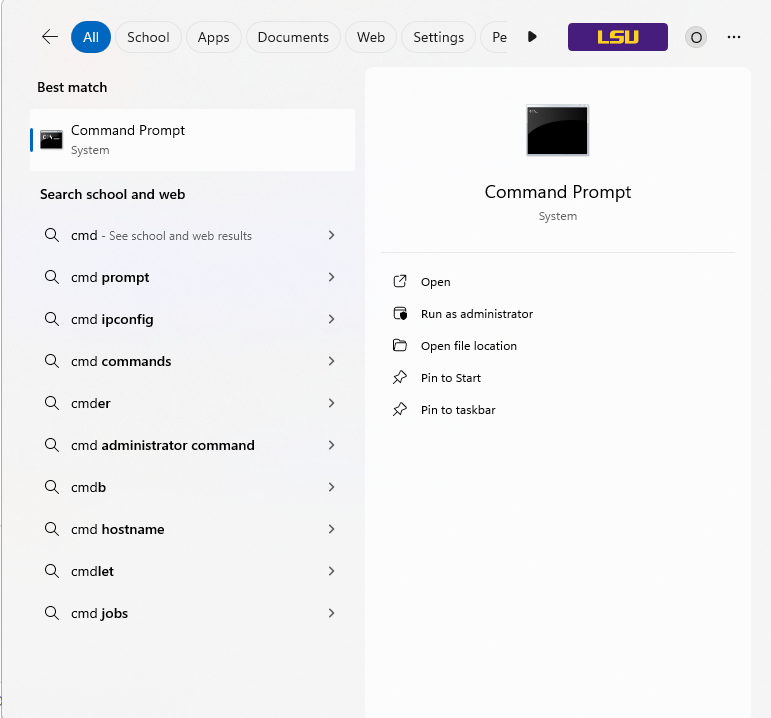
1. In the Search bar of your Start menu, type cmd and click cmd.
NOTE: This can also be done using the Windows key + R and entering in "cmd".
2. In the Command Prompt window, type ipconfig. Your IP Address is under IPv4 Address in the middle of the screen.

Referenced from: support.microsoft.com
18152
2/5/2025 8:40:56 AM