SPSS: Open SPSS in Vlab
There may be broken links in this article, the GROK staff has been notified and is working to resolve the issue.
Open & Use SPSS with the LSU VLab
1. Launch the VMware Horizon Client. (Instructions on Downloading, Installing & Launching.)

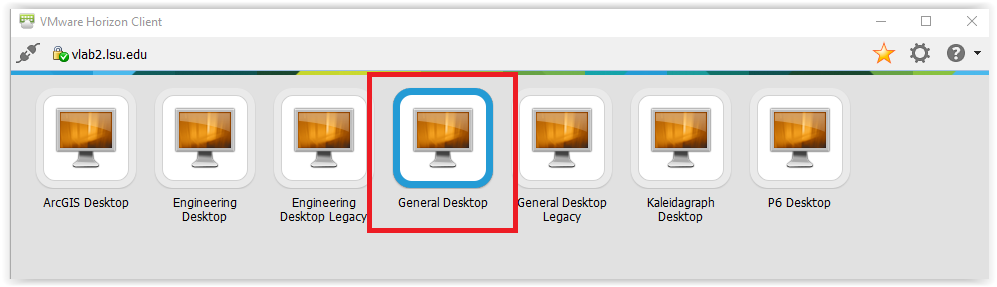
2. Select General Desktop and click Connect.
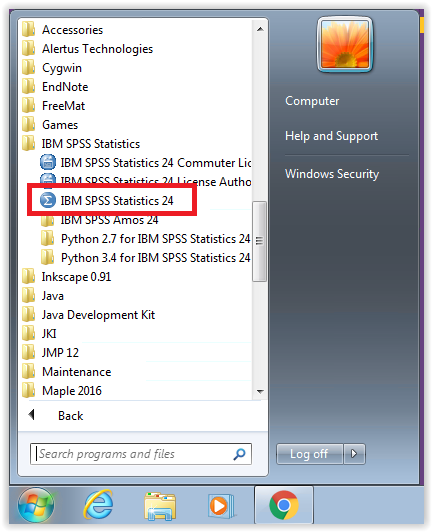
3. Select Start, choose All Programs, click IBM SPSS Statistics, then pick IBM SPSS Statistics 28 (or the current version you need).
Referenced from: www.ibm.com
16982
10/16/2025 4:19:52 PM